Introduction
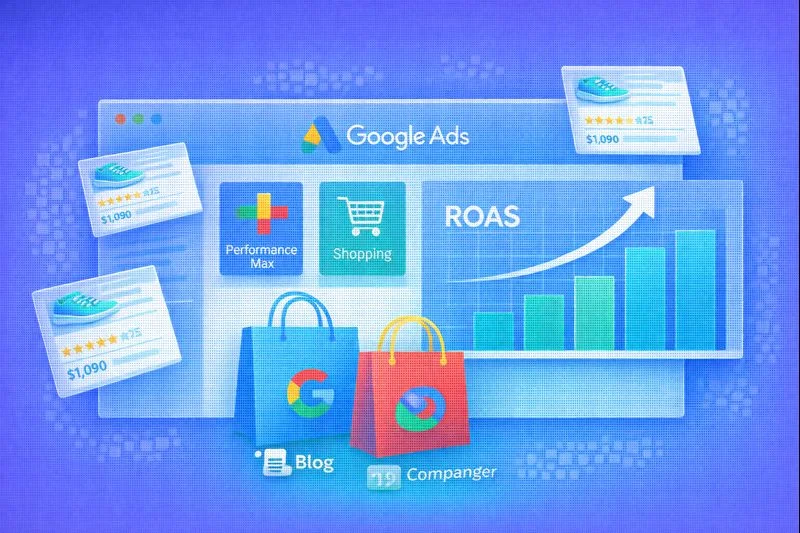
Google Ads remains one of the most profitable paid acquisition channels for e-commerce in 2025. With search intent at its highest purchase readiness, Google Ads captures users exactly when they want to buy. According to Statista, over 65% of all paid e-commerce traffic globally comes from Google Ads (Statista, 2024).
At the same time, automation has fundamentally reshaped campaign management. Performance Max and modern Shopping campaigns rely on machine learning, high-quality product feeds, and strategic signals instead of manual keyword bidding. Google reports that advertisers using Performance Max achieve 18–35% higher conversion value at the same CPA (Google, 2024).
This guide explains how to set up, optimize, and scale Performance Max and Shopping campaigns for e-commerce in 2025 — with practical examples, tables, checklists, and proven best practices.
Performance Max Overview
Performance Max (PMax) is a goal-based campaign type that uses automation to serve ads across all Google inventory: Search, Shopping, Display, YouTube, Discover, Gmail, and Maps.
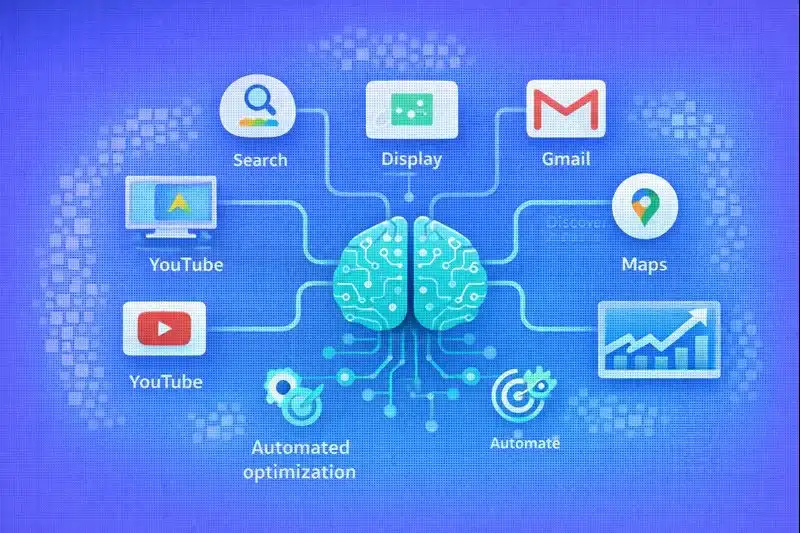
Over 80% of new Google Ads accounts now launch with Performance Max as the primary campaign type (Search Engine Journal, 2024).
How Performance Max Works:
| Component | Description |
|---|---|
| Inventory | Search, Shopping, Display, YouTube, Discover |
| Targeting | Intent-based automation + audience signals |
| Bidding | Smart bidding (ROAS / Conversion Value) |
| Inputs | Product feed, assets, audience signals |
Performance Max fits best for:
- Medium to large product catalogs
- Stable conversion tracking
- Clear ROAS targets
- Businesses seeking scale rather than manual control
Google Shopping Campaigns
Google Shopping campaigns display product-based ads using data from Google Merchant Center. Despite the rise of PMax, Shopping campaigns remain relevant for granular control.
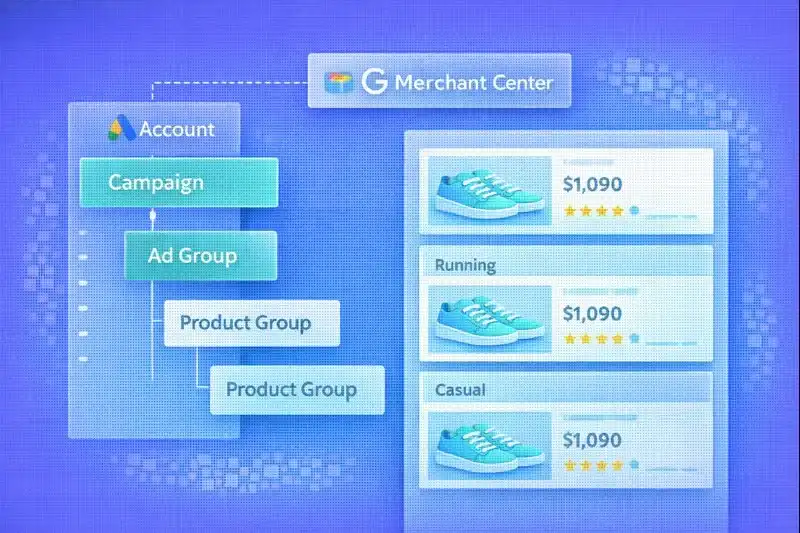
Shopping ads generate 30% higher conversion rates than text ads for retail (WordStream, 2024).
Types of Shopping Campaigns:
| Campaign Type | Control Level | Best Use Case |
|---|---|---|
| Standard Shopping | High | Manual optimization, testing |
| Performance Max | Low | Scaling, automation |
| Smart Shopping | Deprecated | Migrated to PMax |
Use Standard Shopping when:
- You need product-level bid control
- You run margin-based segmentation
- You test pricing sensitivity
Product Feed Optimization
Your product feed is the backbone of both Shopping and Performance Max. Google confirms that optimized feeds improve ROAS by up to 40% (Google, 2024).
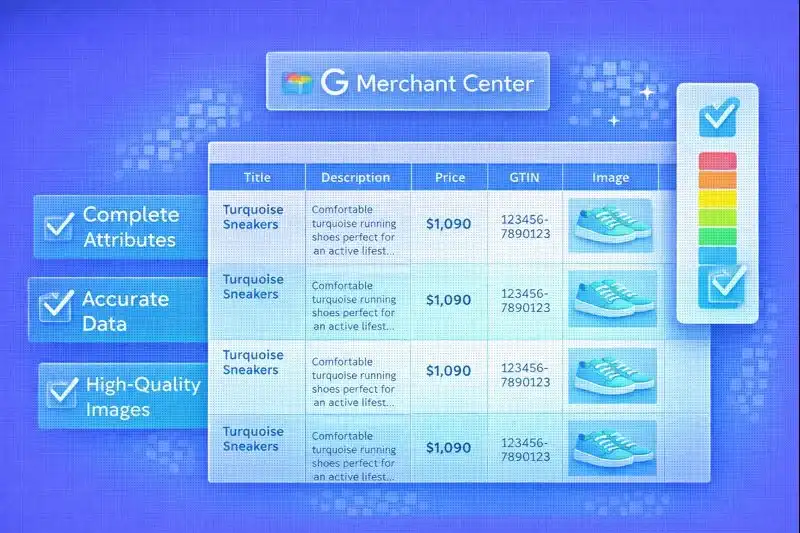
Required Feed Attributes:
| Attribute | Required | SEO Impact |
|---|---|---|
| id | Yes | Product matching |
| title | Yes | CTR, relevance |
| description | Yes | Query coverage |
| price | Yes | Eligibility |
| availability | Yes | Ad delivery |
Title Formula (Best Practice):
Brand + Product Type + Key Attribute + Variant
Example:
Nike Air Max 90 Men's Running Shoes – Black 42
Feed Structure Example:
id,title,description,price,availability,brand,google_product_category
SKU123,Nike Air Max 90 Men's Shoes,Original Nike Air Max with Air cushioning,129.99 USD,in stock,Nike,187
Product Feed Checklist:
- All required attributes filled
- Titles include brand + product type + key features
- Descriptions unique and keyword-rich
- Prices and availability up-to-date
- High-quality images (min 800x800px)
- GTIN/MPN included where applicable
Asset Groups for Performance Max
Asset Groups define how your ads look across channels. Each group combines creatives, copy, and products.
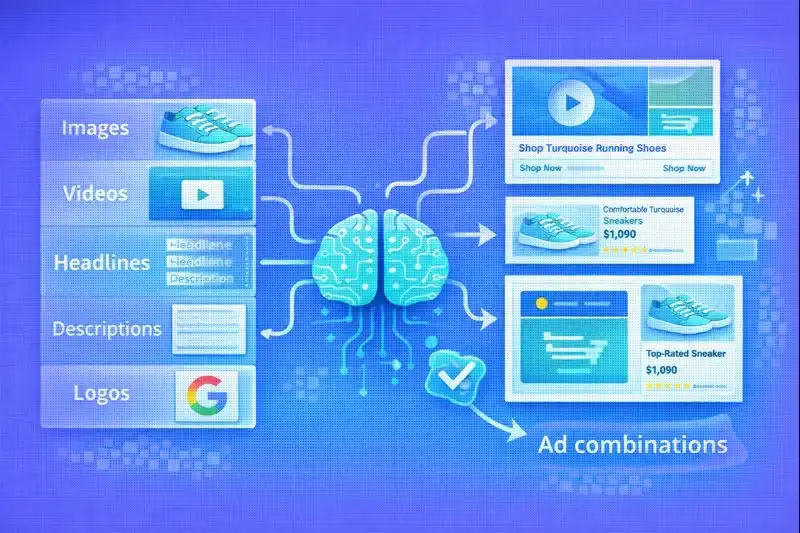
Google data shows asset completeness increases conversion value by 25% (Google, 2024).
Asset Group Best Practices:
| Asset Type | Recommendation |
|---|---|
| Headlines | 5–10 unique variations |
| Descriptions | 4–5 benefit-driven lines |
| Images | Product + lifestyle |
| Videos | Native YouTube format |
Asset Group Checklist:
- Dedicated asset group per category
- Category-specific headlines
- High-resolution square images (1200x1200px)
- At least one short-form video (15–30 sec)
- Logo in required formats
- Final URL matches product category
Audience Signals
Audience signals guide machine learning during the learning phase. They do not restrict delivery but help Google find the right users faster.
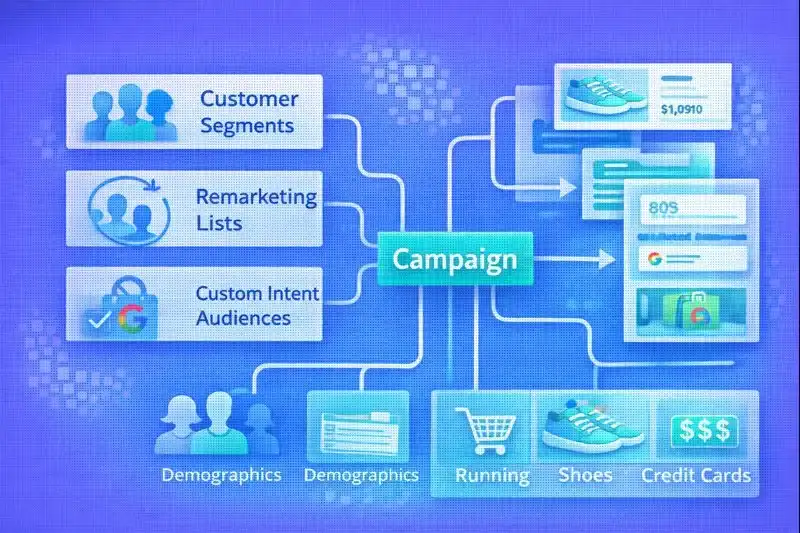
Using audience signals shortens the learning phase by up to 40% (Google, 2024).
Recommended Audience Types:
| Audience Type | Example |
|---|---|
| Remarketing | Past purchasers |
| In-market | Sports shoes buyers |
| Custom intent | Competitor brand searches |
| Customer match | Email lists |
Audience Signal Strategy:
- First-party data — upload customer lists
- Website visitors — create remarketing segments
- Competitor audiences — custom intent with competitor keywords
- In-market segments — select relevant purchase categories
Bidding Strategies
Smart bidding controls budget efficiency and scale.
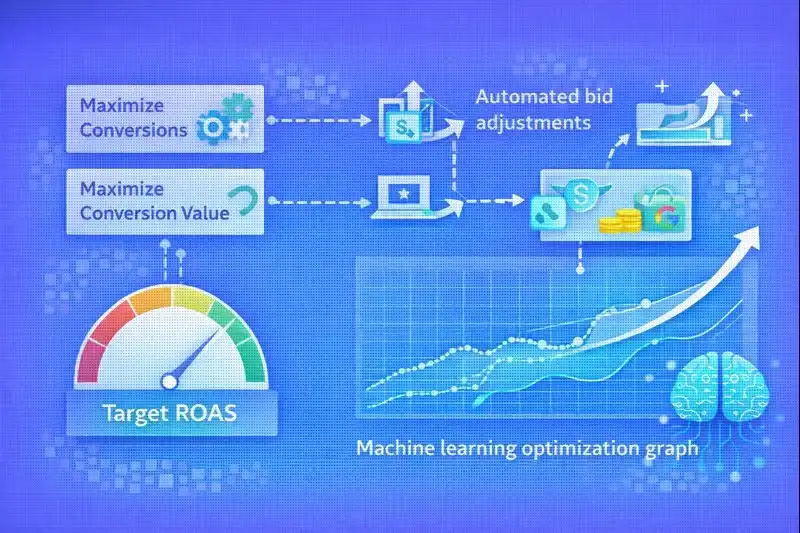
Target ROAS improves profitability by 20–35% when sufficient data exists (eMarketer, 2024).
Strategy Comparison:
| Strategy | When to Use |
|---|---|
| Maximize Conversion Value | New campaigns |
| Target ROAS | Stable performance |
| Maximize Conversions | Lead-driven funnels |
ROAS Formula:
ROAS = Revenue / Ad Spend

Example: $10,000 Revenue / $2,500 Spend = 400% ROAS
Bidding Strategy Checklist:
- Start with Maximize Conversion Value for new campaigns
- Switch to Target ROAS after 30–50 conversions
- Set realistic ROAS targets based on margins
- Monitor CPA alongside ROAS
- Adjust targets gradually (10–15% increments)
Performance Max vs Standard Shopping
Choosing between Performance Max and Standard Shopping depends on your goals and resources.
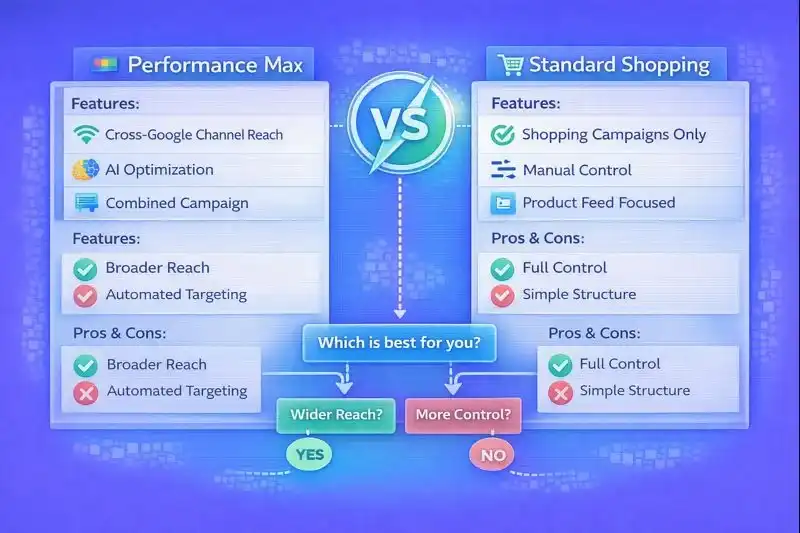
70% of advertisers now use both simultaneously (Search Engine Journal, 2024).
Feature Comparison:
| Feature | Performance Max | Standard Shopping |
|---|---|---|
| Automation | Full | Partial |
| Channel coverage | All Google | Search + Shopping |
| Transparency | Limited | High |
| Scalability | Excellent | Moderate |
| Control | Low | High |
| Learning curve | Short | Longer |
When to Use Each:
- Performance Max — scaling, automation, multi-channel reach
- Standard Shopping — granular control, margin testing, brand protection
Hybrid Strategy:
- Run Performance Max for main catalog
- Use Standard Shopping for high-margin products
- Exclude branded traffic from PMax
- Test new products in Standard Shopping first
Campaign Reporting and Optimization
Continuous monitoring and optimization drive long-term success.
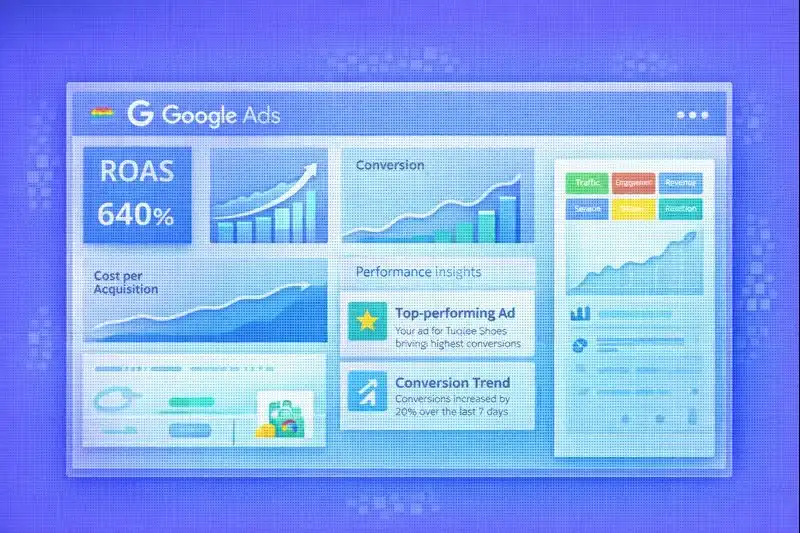
Key Metrics:
| Metric | Why It Matters |
|---|---|
| ROAS | Profitability |
| Conversion value | Revenue |
| CTR | Creative relevance |
| Impression share | Scale potential |
| CPA | Acquisition cost |
Optimization Actions:
- Feed enrichment — improve titles, add missing attributes
- Asset refresh — update creatives every 30–45 days
- Budget reallocation — shift spend to high-margin categories
- Audience refinement — add new signals based on performance
- Bid adjustments — optimize ROAS targets quarterly
Reporting Checklist:
- Weekly ROAS and conversion value review
- Monthly asset performance analysis
- Quarterly feed audit
- Regular search term review (Standard Shopping)
Common Mistakes to Avoid
45% of e-commerce advertisers overspend due to feed issues (WordStream, 2024).
Frequent Errors:
| Mistake | Impact |
|---|---|
| One asset group for entire catalog | Low relevance, poor ROAS |
| No audience signals | Extended learning phase |
| Poor product titles | Low CTR, missed queries |
| Unrealistic ROAS targets | Limited delivery |
| Mixing brand and non-brand traffic | Inflated ROAS metrics |
Avoidance Checklist:
- Segment campaigns by margin
- Separate brand protection campaigns
- Refresh creatives quarterly
- Set realistic initial ROAS targets
- Monitor search terms regularly
- Exclude low-margin products from PMax
Frequently Asked Questions
Is Performance Max better than Shopping?
Performance Max scales faster, while Shopping offers control. PMax automates across all Google channels and works well for accounts seeking growth. Standard Shopping provides product-level bidding and search term visibility. Mature accounts benefit from combining both — PMax for scale, Shopping for precision.
How long does Performance Max need to learn?
Typically 2–4 weeks with at least 30–50 conversions. During this period, Google's algorithm tests different combinations of assets, audiences, and placements. Avoid making significant changes during learning. Audience signals help shorten this phase.
Should I exclude branded traffic?
Brand exclusions help protect ROAS accuracy in PMax. Branded searches typically convert at higher rates, which can inflate ROAS metrics. Create separate brand campaigns for accurate measurement. Use brand exclusions in Performance Max to measure true incremental performance.
How many asset groups should I use?
One per main category or margin segment. Group products with similar margins, audiences, and creative needs. For example: separate asset groups for Men's Shoes, Women's Shoes, and Accessories. Avoid one asset group for the entire catalog.
Does Performance Max replace SEO?
No. Paid and organic channels complement each other for full-funnel growth. SEO drives long-term organic traffic and brand authority. PMax captures high-intent users ready to purchase. The best strategy combines both — SEO for sustainable traffic, Google Ads for immediate conversions.
Related Articles
- E-commerce SEO Guide — Technical and content optimization for organic traffic
- CRO for E-commerce — How to increase conversion at every funnel stage
- A/B Testing in E-commerce — How to make data-driven decisions
- Product Page Optimization — Detailed guide to product card optimization
Conclusion
Google Ads in 2025 demands a structured, feed-driven, and data-informed approach. Performance Max unlocks scale through automation, while Shopping campaigns maintain precision. The winning strategy focuses on feed quality, audience intelligence, realistic bidding, and continuous creative testing.
Google Ads Success Priorities:
- Product feed — optimized titles, complete attributes, fresh data
- Asset groups — category-specific creatives and copy
- Audience signals — first-party data and custom intent
- Bidding — realistic ROAS targets, gradual optimization
- Hybrid approach — PMax for scale, Shopping for control
- Continuous testing — asset refresh, feed updates, audience expansion
Success Formula: Quality Feed + Smart Automation + Data-Driven Optimization = Profitable Growth.
LetsCommerce integrates seamlessly with Google Merchant Center and provides optimized product feeds out of the box — launch your Performance Max campaigns faster.