Introduction
Checkout is the most critical stage of the e-commerce sales funnel. This is where your business either receives payment or loses the customer.
According to Baymard Institute, the average cart abandonment rate worldwide exceeds 69% (Baymard Institute, 2024).
Google confirms: every extra second or step in checkout causes a 7-10% drop in conversion (Google, 2024).
In 2025, checkout optimization is a strategic necessity for any online store.
Why Customers Abandon Carts: Top 10 Reasons
Baymard Institute analyzed thousands of checkout flows and identified the key reasons for losses.
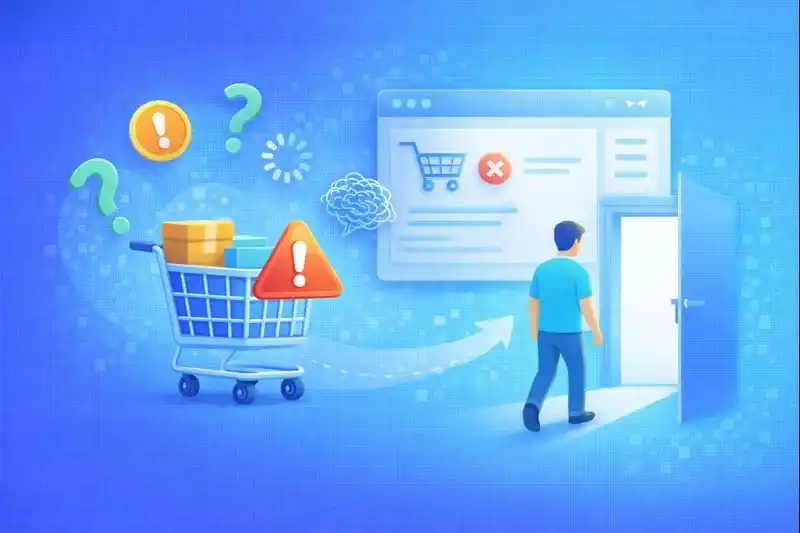
Top 10 reasons for cart abandonment:
- Unexpected shipping costs — 48%
- Required registration — 26%
- Too long checkout — 22%
- Distrust of the site — 18%
- Slow page loading — 17%
- Form errors — 15%
- Missing preferred payment method — 13%
- Unclear return policy — 12%
- No cash on delivery option — 9%
- Technical issues — 8%
Each point directly causes revenue loss. Checkout without optimization works against your business.
Guest Checkout vs Registration
Guest checkout is the standard for 2025. Baymard confirms: required registration causes loss of up to 1 in 4 potential buyers (Baymard Institute, 2024).
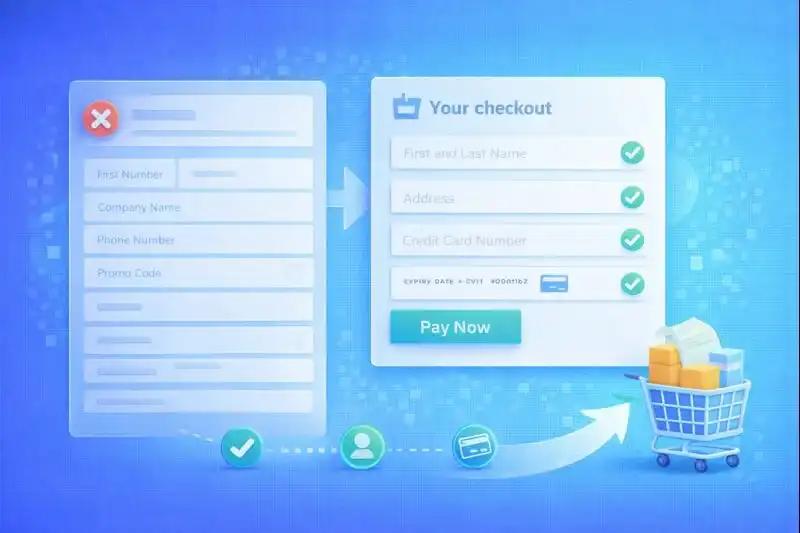
Best practices:
- Purchase without creating an account
- Registration after payment (optional)
- Social login (Google, Apple)
- Automatic account creation from email
Customers want to buy quickly, without passwords and extra steps.
Checkout Form Optimization
The average checkout contains 14-18 fields, while the optimal is 8-10 (Baymard Institute, 2024).
Principles of effective forms:
- Minimum required fields
- Browser autofill support
- Inline validation without page reload
- Separate fields for name, phone
- Input masks for card numbers, phone
- Progress bar for multi-step checkout
Each extra field causes up to 3% conversion loss.
Optimal field set:
| Field | Required |
|---|---|
| Name | Yes |
| Phone | Yes |
| Yes | |
| City | Yes |
| Address/Pickup point | Yes |
| Comment | No |
Payment Methods
Payment diversity is a trust factor. Statista confirms: missing preferred payment method causes 13% of abandonments (Statista, 2024).
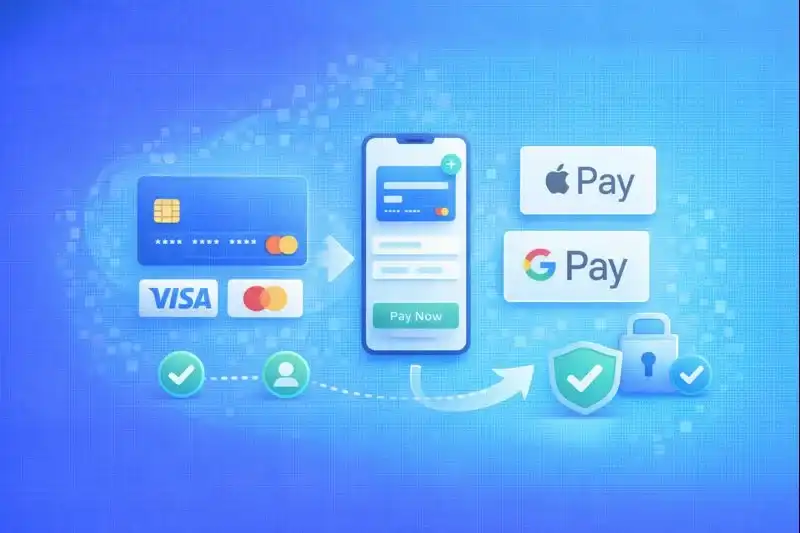
Essential payment methods:
- Credit/Debit cards — Visa / Mastercard
- Apple Pay, Google Pay — one-click payment
- Cash on delivery — critical for new customers
- BNPL (Buy Now Pay Later) — Klarna, Afterpay, Affirm
- PayPal — trusted global option
Psychology of choice:
Customers who see familiar payment system logos feel trust. Missing a familiar payment method is a reason to go to a competitor.
Shipping and Price Transparency
Unexpected shipping cost is the #1 reason for cart abandonment (48% of cases).
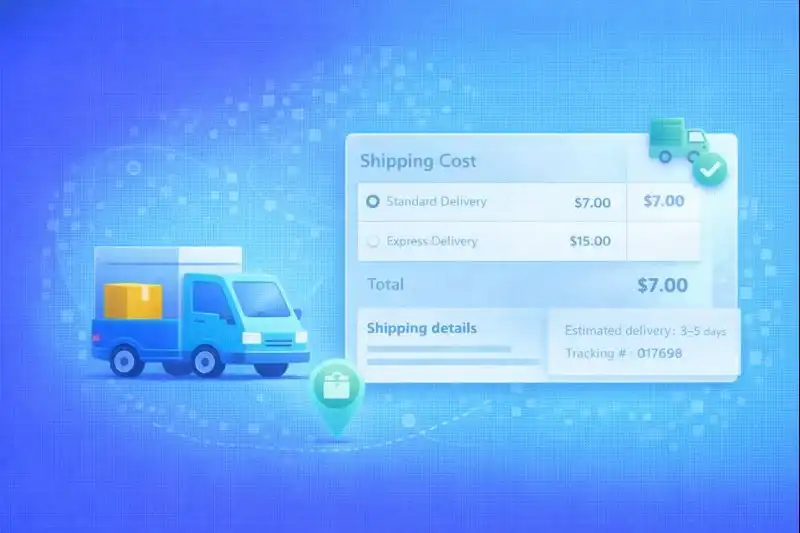
2025 Best practices:
- Show shipping cost before checkout — on product page or in cart
- Real-time shipping calculation — via carrier API integration
- Pickup point selection on map — convenient UX
- Exact delivery timeframes — "Delivery January 25-26"
- Free shipping threshold — "Free shipping on orders over $50"
Transparency drives trust and purchase completion.
Example of proper display:
Standard Shipping: $5.99 (3-5 business days) Free shipping on orders over $75
Mobile Checkout
Over 70% of checkout visits happen on smartphones (Google, 2024).
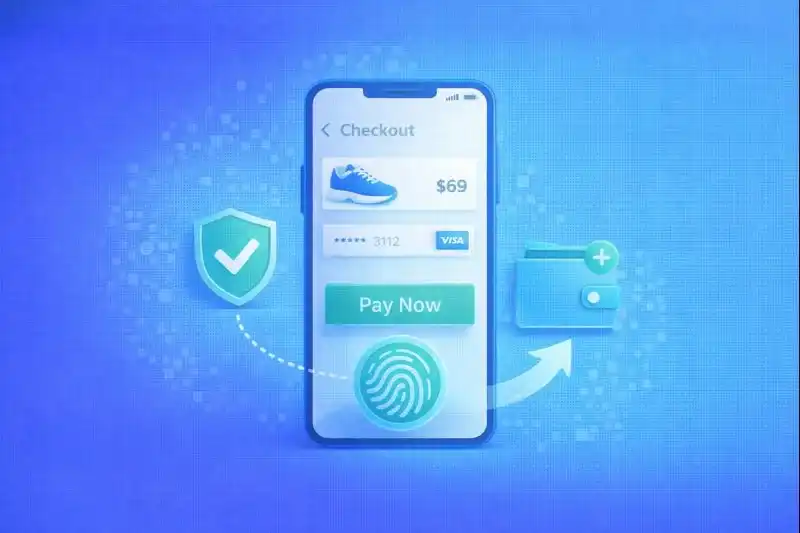
Key mobile checkout requirements:
- One-tap purchase — minimum actions
- Sticky "Pay" button — always visible
- Large input fields — minimum 44px height
- Apple Pay / Google Pay — one-click payment
- Minimal text — only essentials
- Vertical layout — no horizontal scrolling
Mobile checkout without optimization causes massive losses.
Test: try placing an order in your own store from a smartphone with one hand. If it's difficult — checkout needs optimization.
Trust Signals and Security
Trust directly affects the customer's willingness to enter card details. NNGroup confirms: visible trust signals drive 12-18% conversion increase (Nielsen Norman Group, 2024).
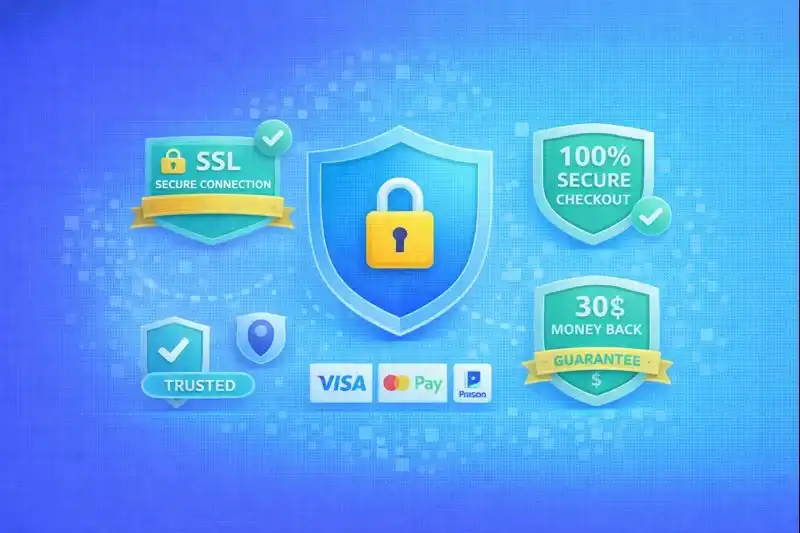
Essential trust signals:
- SSL certificate — lock icon in browser
- Payment system logos — Visa, Mastercard, PayPal
- Return guarantee — "30-day returns"
- Customer reviews — store rating
- Security badges — "Secure checkout", "SSL Protected"
- Support contacts — phone, chat
Placement: trust signals should be visible near the payment form, not in the footer.
Abandoned Cart Recovery
An abandoned cart is not a loss — it's an opportunity. Shopify shows: email reminders recover up to 20-30% of carts (Shopify, 2024).
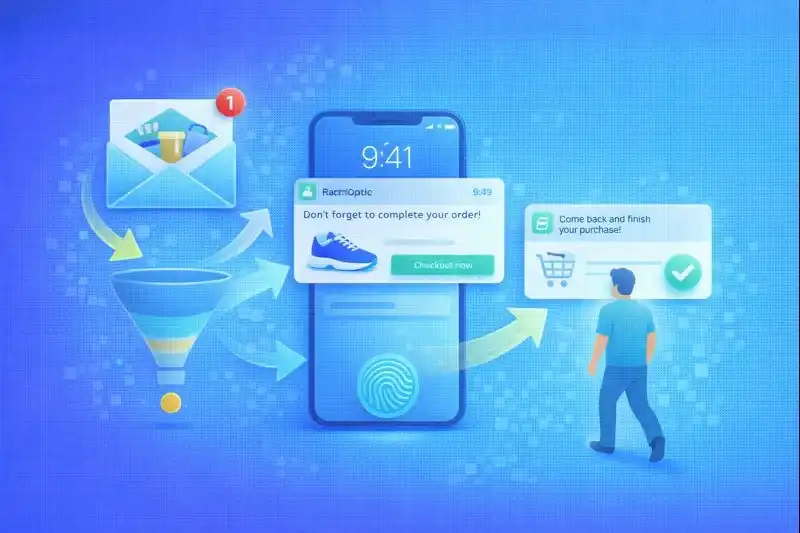
Effective recovery channels:
| Channel | Timing | Conversion |
|---|---|---|
| Email #1 | After 1-3 hours | 15-20% |
| Email #2 | After 24 hours | 8-12% |
| Push notification | After 30 min | 5-10% |
| SMS | After 2 hours | 10-15% |
| Retargeting | Next 7 days | 3-5% |
Email reminder structure:
- Personalized greeting
- Product photo from cart
- Price and possible discount
- "Complete Order" button
- Support contacts
Bonus: personalized 5-10% discount in the second email doubles conversion.
Frequently Asked Questions
How many steps should an ideal checkout have?
2-3 screens without unnecessary confirmations. Optimal: 1) Contact details + shipping, 2) Payment, 3) Confirmation. One-page checkout shows the highest conversion but requires quality UX design. Main rule: customer should see progress and understand how many steps remain.
Is registration required for purchase?
No. Guest checkout drives higher conversion. Required registration loses up to 26% of buyers. Best practice: allow purchase without registration, then offer account creation after payment for order tracking. Social login (Google, Apple) is a compromise between convenience and data collection.
What payment methods are most important?
Visa/Mastercard cards — basic minimum. Apple Pay / Google Pay — for fast mobile payment. PayPal — trusted option for many customers. BNPL (Klarna, Afterpay) — for expensive items. Cash on delivery — critical for markets where trust in online payments is developing. Missing key payment methods causes significant audience loss.
When to send abandoned cart emails?
First email: after 1-3 hours — while customer remembers the purchase. Second email: after 24 hours — with additional incentive (discount, free shipping). Third email (optional): after 72 hours — final reminder. Important: don't spam. 2-3 emails maximum. Each subsequent one should add value.
How to properly show shipping costs?
Before checkout — on product page or in cart. Show: exact cost (or range), delivery timeframes, free shipping threshold. Example: "Standard Shipping: $5.99 (3-5 days). Free on orders over $75". Never hide shipping costs until the last step — this is the #1 reason for cart abandonment.
Related Articles
- Product Page Optimization — How to create a product card that sells
- How to Make Shopping Convenient — UX principles for your entire store
- Buy Now Pay Later: Complete Guide — BNPL integration guide
Conclusion
Checkout is the final battle for conversion. Every extra step, field, or doubt causes money loss.
In 2025, winning stores:
- Minimize checkout — 8-10 fields, 2-3 steps
- Offer freedom of choice — guest checkout, various payment methods
- Ensure speed — mobile optimization, one-tap payment
- Build trust — trust signals, transparent shipping
- Actively recover customers — email reminders, retargeting
LetsCommerce provides all the tools for this — from mobile checkout to integrations with shipping carriers, payment providers, and cart recovery systems.

Ready to start selling?
Launch your online store today with LetsCommerce.