Introduction
Instagram is one of the most powerful platforms for e-commerce in 2025, with Instagram Shopping projected to reach 47.5 million shoppers in the United States alone. Visual content plays a crucial role, and the right approach to creating engaging content helps attract an audience and build a loyal customer community.
According to Meta's latest data, 90% of Instagram users follow at least one business account, and stores using Instagram Shopping features see an average 40% increase in conversion rates compared to traditional e-commerce. Even more compelling, Instagram Reels reach 675 million users daily, making short-form video the most effective content format for product discovery.
In this article, we'll discuss the key aspects of creating effective Instagram content to enhance your store's image, attract new customers, and boost sales in 2025.
Creating a Visual Concept
Your store’s first impression on Instagram is shaped by its visual style. It’s essential to choose a consistent color scheme and style that reflects your brand. A cohesive and appealing visual concept helps improve brand recognition.
Tips for Creating a Visual Concept:
- Color Scheme: Select a few core colors that match your brand and use them in every post.
- Consistent Photo Style: Use the same filters or settings to ensure all photos look uniform.
- Post Themes: Define the main topics for posts, such as product reviews, tips, or behind-the-scenes moments of your business.
A consistent visual identity allows you to create a unique style that sticks in the audience's memory.
Setting Up Instagram Shopping for Maximum Conversions
Instagram Shopping transforms your profile into a digital storefront, enabling seamless in-app purchases. Stores with Instagram Shopping enabled see 40% higher conversion rates compared to link-in-bio approaches.
Step-by-Step Setup Process:
-
Meet Eligibility Requirements:
- Have an Instagram Business or Creator account
- Sell physical goods that comply with Instagram's commerce policies
- Operate in a supported market (100+ countries as of 2025)
- Connect your Instagram to a Facebook Page
- Have a product catalog (via Facebook Shop or partner platforms)
-
Connect Your Product Catalog:
- Option A (Easiest): Use Shopify, WooCommerce, or BigCommerce apps that auto-sync your catalog
- Option B: Manually upload products to Facebook Commerce Manager
- Option C: Use partner platforms like Feedonomics for large catalogs (1000+ products)
-
Enable Shopping Features:
- Navigate to Settings → Business → Set up Instagram Shopping
- Submit your account for review (typically approved within 2-3 days)
- Once approved, activate Shopping on your profile
-
Tag Products in Posts:
- Create a new post or Reel
- Tap "Tag Products" before publishing
- Search and select products from your catalog (tag up to 5 products per single-image post, 20 per carousel)
- Products appear with shopping bag icon; taps show price and "View on Website" button
-
Create Your Instagram Shop Tab:
- Customize collections (Featured, New Arrivals, Best Sellers)
- Add product descriptions optimized for mobile
- Enable checkout (available in select countries) or link to your website
Optimization Tips:
- Product Photography: Use clean, well-lit images with white/neutral backgrounds for shop tab
- Lifestyle Tagging: Tag products in lifestyle photos showing items in use (converts 35% better than plain product shots)
- Stories Shopping: Swipe up product stickers in Stories convert at 2.1x rate of feed posts
- Reels Shopping: Tag products in Reels to capitalize on viral reach while maintaining purchase intent
Content Strategy: What to Post and When
Content Mix Formula (Based on Meta Best Practices 2025):
- 40% Educational Content: How-to guides, styling tips, product care instructions
- 30% Product Showcases: Professional product photography, 360° views, detail shots
- 20% User-Generated Content: Customer photos, testimonials, unboxing videos
- 10% Behind-the-Scenes: Team introductions, production process, company culture
Weekly Content Calendar Template:
Monday: Motivational post + product tag (e.g., "Start your week fresh" featuring new arrivals) Tuesday: Educational Reel (e.g., "5 ways to style our bestseller" - 30-60 seconds) Wednesday: User-generated content repost (always credit original creator) Thursday: Product carousel (5-10 images showing different angles/colors) Friday: Contest/giveaway announcement or flash sale Saturday: Lifestyle content showing products in real-world scenarios Sunday: Behind-the-scenes Story series (5-7 slides) + community engagement
Story Schedule (Daily):
- Morning (8-9 AM): Good morning post + poll or question sticker
- Midday (12-1 PM): Product spotlight with shopping sticker
- Evening (6-8 PM): Behind-the-scenes or customer shoutout
- Before Bed (9-10 PM): Reminder about ongoing promotion or countdown to sale
Stories and Reels for Audience Engagement
Stories and Reels are great tools for engaging your audience, as they allow you to showcase products in action. You can create short videos demonstrating products, conduct polls, or share exciting news.
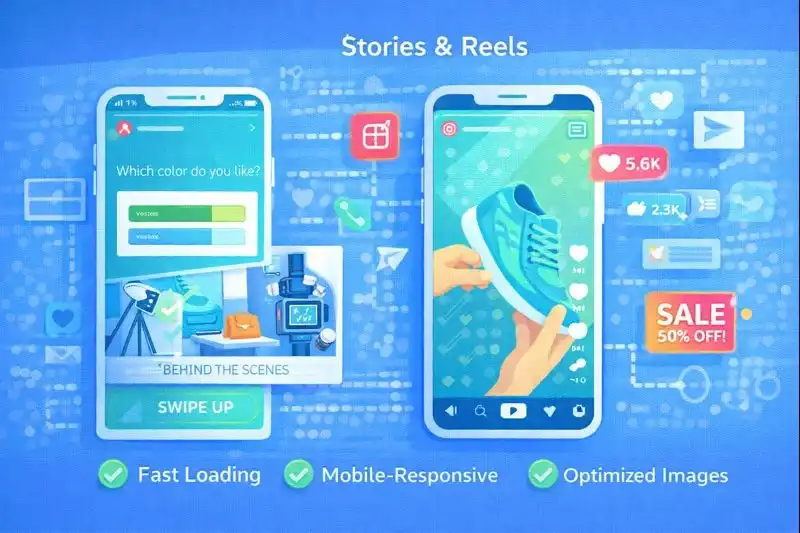
Ideas for Stories and Reels:
- Product Demos: Create short videos showing how to use your product.
- Polls and Voting: Let the audience participate in choosing new products or designs.
- Behind-the-Scenes Moments: Share the order packing process or product production to bring your brand closer to customers.
This type of content boosts engagement and encourages followers to interact with your account.
Engaging Customers Through Contests and Promotions
Contests and promotions are among the best ways to engage your audience, increase reach, and enhance customer loyalty. Hosting giveaways, challenges, or offering discounts to those who share your brand’s content encourages followers to become your customers.
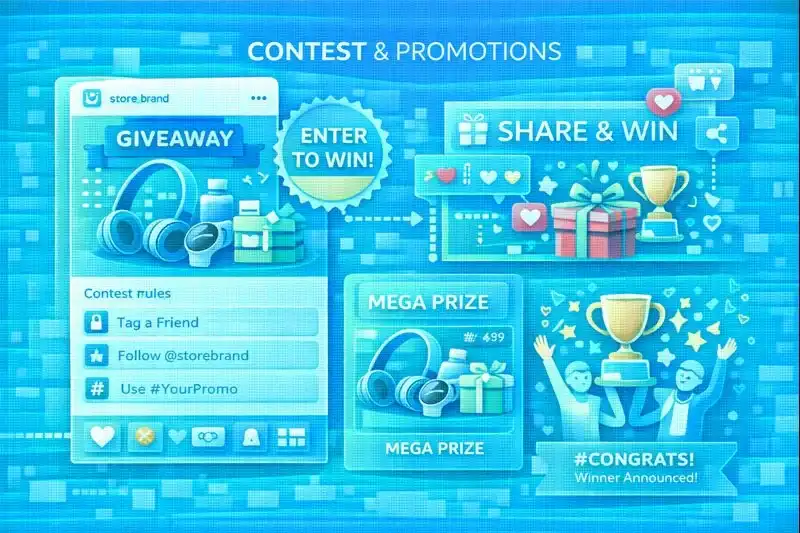
Examples of Contests and Promotions:
- Product Giveaways: Set conditions for followers to win your product, such as tagging a friend or sharing your post.
- Challenges: Create a themed challenge related to your product, encouraging users to share photos or videos using it.
- Discounts for Shares: Offer discounts or bonuses to those who share your post or tag your account in their story.
These activities increase interest in your brand and help reach a new audience.
Collaborating with Influencers
Influencers have a strong influence over their followers, and collaborating with them can significantly increase your brand's visibility. It's essential to choose influencers who share your brand's values and target audience.
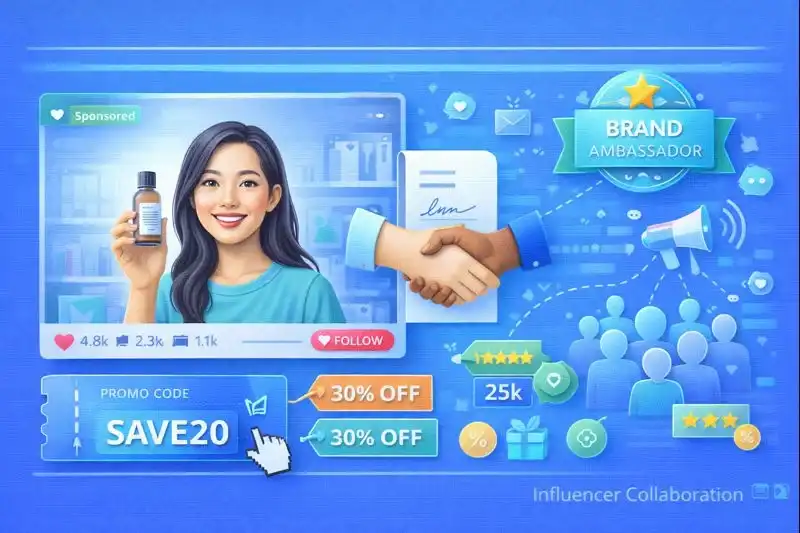
Influencer Tier Breakdown (2025 Benchmarks):
| Tier | Followers | Average Cost | Engagement Rate | Best For |
|---|---|---|---|---|
| Nano | 1K-10K | $10-$100/post | 5-10% | Niche products, local businesses, authenticity |
| Micro | 10K-100K | $100-$1,000/post | 3-7% | Most e-commerce (best ROI) |
| Mid | 100K-500K | $1,000-$10,000/post | 2-5% | Brand awareness campaigns |
| Macro | 500K-1M | $10,000-$100,000/post | 1.5-3% | Mass market products |
| Mega | 1M+ | $100,000+/post | 0.5-2% | Major brand launches |
Micro-influencers (10K-100K followers) deliver the best ROI for e-commerce—their audiences are engaged, targeted, and trust their recommendations. They generate 60% higher campaign engagement rates than celebrity influencers at a fraction of the cost.
Vetting Influencers: Red Flags & Green Flags
Red Flags (Avoid):
- Follower count jumped suddenly (indicates purchased followers)
- Engagement rate below 2% for their follower tier
- Comments are generic/bot-like ("Great post!", "Nice!", fire emojis only)
- Audience demographics don't match your target (use tools like HypeAuditor)
- They promote too many competing brands simultaneously
- No disclosed partnerships (#ad, #sponsored missing from past paid posts)
Green Flags (Partner):
- Steady follower growth over time
- High-quality, authentic comments with conversations
- Engagement rate matches or exceeds tier benchmarks
- Audience demographics align with your customer profile
- They genuinely use/would use products in your category
- Professional communication and clear media kit
Partnership Structure Options:
-
Product Gifting (Free Products):
- Best for nano/micro influencers
- No guaranteed post, but most will post if they like product
- Budget: Cost of product + shipping
- Expected: 1-2 Stories, possibly 1 feed post
-
Paid Posts (Flat Fee):
- Guaranteed deliverables (e.g., 1 Reel + 3 Stories + permanent feed post)
- Clear usage rights negotiation (can you repost? run as ads?)
- Include performance tracking (affiliate codes, unique links)
-
Affiliate/Commission:
- Influencer earns 10-20% commission on sales from their unique code
- Low upfront cost, performance-based
- Incentivizes influencer to drive actual sales, not just awareness
- Use platforms like LTK, Shopify Collabs, or Grin
-
Long-Term Ambassador:
- Monthly retainer + commission
- Exclusive partnership (can't promote competitors)
- Ongoing content creation (4-8 posts/month)
- Best for established relationships with proven ROI
Negotiation Script Template:
"Hi [Influencer Name], I love your content around [specific theme]. We'd love to collaborate! We're offering [X product worth $Y] in exchange for [1 Reel + 3 Stories]. We'll provide a unique discount code [INFLUENCERNAME15] for your audience. If this campaign performs well (we're hoping for 50+ uses of your code), we'd love to discuss a long-term partnership. Are you interested? We can send our collaboration agreement for review."
Tracking Influencer ROI:
- Unique Discount Codes: Track sales directly attributable to each influencer
- UTM Links: If linking to website, use UTM parameters for Google Analytics tracking
- Instagram Insights: Request screenshots of post reach/engagement from influencer
- Branded Hashtag: Ask influencer to include your branded hashtag to track UGC spillover
- Calculate ROI: (Revenue from Influencer Sales - Influencer Cost - Product Cost) / Total Investment × 100
Collaborating with influencers helps spread the word about your brand faster and attract new customers. Focus on micro-influencers for the best balance of reach, authenticity, and affordability.
Using Hashtags to Increase Reach
Hashtags are an essential tool to boost the visibility of your posts. Use relevant hashtags related to your products and industry to attract more followers and potential customers.
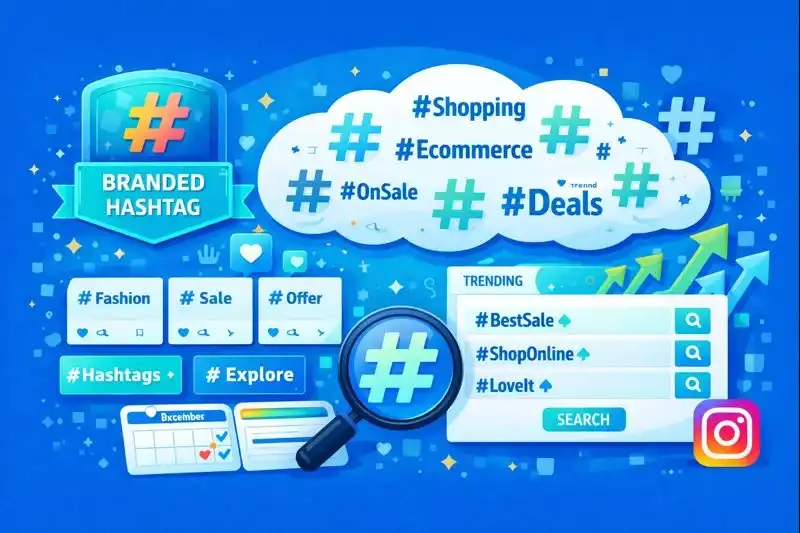
Hashtag Strategy Framework (9-12 Hashtags):
Tier 1: Niche Hashtags (3-4 tags, under 100K posts)
- Highly specific to your exact product/service
- Examples: #handmadeleatherbags, #sustainablekitchenware, #minimalistjewelrydesign
- These reach your exact target audience with highest conversion potential
- Competition is low, so your post appears in "Top Posts" more easily
Tier 2: Moderately Popular Hashtags (4-5 tags, 100K-500K posts)
- Broader industry/category tags
- Examples: #shopsmallbusiness, #ecofriendlyproducts, #homemadegifts
- Balance between reach and competition
- Drive awareness among interested audiences
Tier 3: Broad Hashtags (2-3 tags, 500K+ posts)
- High-volume, general industry tags
- Examples: #shopsmall, #handmade, #sustainableliving
- Massive reach but high competition
- Use strategically for maximum visibility campaigns
Always Include:
- Your Branded Hashtag: #YourStoreName (used consistently across all posts)
- Campaign Hashtags: #YourStoreSpring2025 or #YourStoreSale
Advanced Hashtag Research Methods:
-
Competitor Analysis:
- Identify 5-10 successful competitors
- Check which hashtags appear repeatedly on their top-performing posts
- Don't copy blindly—test variations
-
Instagram Search Bar:
- Type your main keyword (e.g., "vegan skincare")
- Instagram suggests related hashtags with post counts
- Look for hashtags in the 50K-300K range (sweet spot for discoverability)
-
Hashtag Performance Tools:
- Later: Suggests hashtags and shows performance data
- Display Purposes: Generates relevant hashtag sets
- Instagram Insights: Shows which hashtags drove the most reach
-
Location-Based Hashtags (for local businesses):
- #NYCFashion, #TorontoShops, #LondonMade
- Attract local customers and tourists
- Combine with geotags for maximum local visibility
Hashtag Mistakes to Avoid:
- ❌ Using banned hashtags (#like4like, #followforfollow) - Instagram shadowbans your post
- ❌ Copy-pasting the same 30 hashtags on every post - looks spammy
- ❌ Using only mega-hashtags (#love, #fashion, #instagood) - your post gets buried instantly
- ❌ Irrelevant hashtags for reach (#catsofinstagram on a clothing post)
- ❌ Putting hashtags in first comment instead of caption - reduced reach since 2024 algorithm update
Hashtag A/B Testing:
Create 3-4 hashtag sets and rotate them:
- Set A: Niche-focused (mostly Tier 1 + Tier 2)
- Set B: Reach-focused (mostly Tier 2 + Tier 3)
- Set C: Trending + seasonal (incorporate current trends like #Spring2025)
Track which sets drive the most profile visits and engagement using Instagram Insights (Professional Dashboard → Content You Shared → Post → Hashtags).
Hashtags help you reach a larger audience and increase the chances of attracting new followers when used strategically, not randomly.
Instagram Advertising for E-commerce
While organic reach is valuable, Instagram Ads accelerate growth and deliver measurable ROI. Instagram ads reach over 1.44 billion users and e-commerce stores see average ROAS (Return on Ad Spend) of 4-5x for well-optimized campaigns.
Ad Formats for E-commerce:
-
Feed Image/Carousel Ads:
- Best for: Product showcases, catalog sales
- Carousel format (2-10 images) increases engagement by 40% vs single images
- Cost: $0.70-$1.50 CPC average
-
Instagram Reels Ads:
- Best for: Brand awareness, reaching younger audiences (18-34)
- Full-screen, immersive experience
- 60% cheaper CPM than feed ads, highest growth format in 2025
-
Story Ads:
- Best for: Flash sales, limited-time offers, driving urgency
- 15-second vertical video or image
- Swipe-up to website (no minimum follower requirement for ads)
-
Shopping Ads (Collection Ads):
- Best for: Catalog sales, product discovery
- Users browse products without leaving Instagram
- 30% higher conversion than standard feed ads
Campaign Structure for $500-$1,000/month Budget:
- 40% Budget ($200-400): Retargeting past website visitors and engaged Instagram users (highest ROAS: 6-10x)
- 35% Budget ($175-350): Interest-based targeting (people interested in your product category)
- 25% Budget ($125-250): Lookalike audiences (people similar to your best customers)
Targeting Strategy:
DO:
- Target interests specific to your niche (e.g., "sustainable fashion" not just "fashion")
- Use lookalike audiences based on purchasers (not just website visitors)
- Exclude existing customers from acquisition campaigns
- Test age ranges separately (18-24, 25-34, 35-44, 45-54, 55+)
DON'T:
- Target worldwide - start with 1-3 countries where shipping is profitable
- Use too broad interests (Fashion + Beauty + Shopping = everyone)
- Forget to exclude cart abandoners from cold campaigns
- Neglect retargeting - it drives 40% of e-commerce revenue from Instagram ads
Conversion Tracking Setup:
- Install Facebook Pixel on your website (mandatory for tracking)
- Set up conversion events: ViewContent, AddToCart, Purchase
- Create Custom Audiences: website visitors (30/60/90 days), cart abandoners, purchasers
- Build Lookalike Audiences from purchaser data (1%, 3%, 5% sizes)
Budget Optimization Tips:
- Start with $20-30/day per ad set (Instagram needs data to optimize)
- Run ads for minimum 7 days before judging performance (learning phase)
- Kill ads with ROAS below 2x after 7 days
- Scale winning ads by 20% budget increases every 3-4 days (not 100% overnight)
- Test 3-5 creative variations simultaneously - creative fatigue happens after 7-10 days
Using Analytics to Optimize Content
Analytics is a key tool for understanding which content works best. Use Instagram Analytics to analyze engagement, views, and follower behavior.
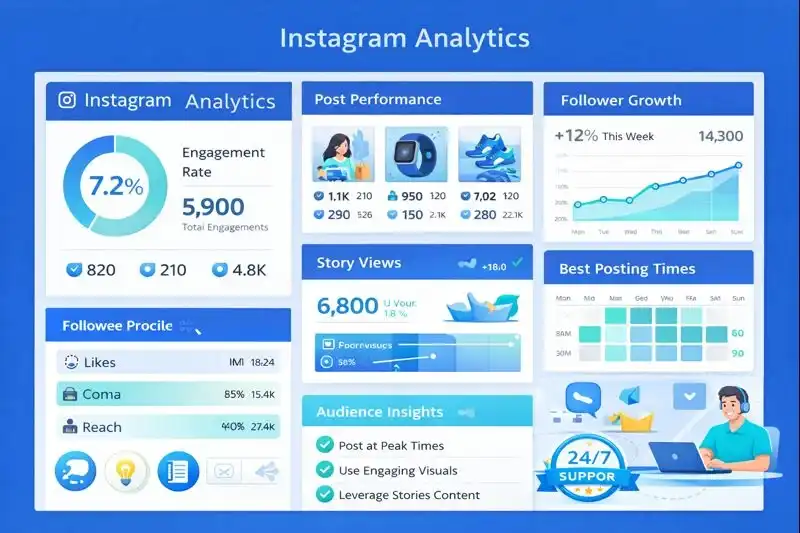
What to Analyze:
- Engagement: Track which posts get the most interactions (likes, comments).
- Story and Reels Views: Analyze which types of content engage the audience best.
- Posting Times: Learn when your audience is most active and post during those hours.
Regular analysis helps fine-tune your strategy to get more results from each post.
Frequently Asked Questions
How often should I post on Instagram for my online store?
For optimal engagement, post 3-5 times per week on your main feed and 1-2 Reels per day. Research from Hootsuite (2025) shows stores posting 4-5 times weekly see 23% higher engagement than those posting daily, as it prevents audience fatigue. Instagram Stories should be used daily (3-7 stories) since they don't appear in the main feed. The key is consistency over frequency—it's better to post 3 high-quality posts per week than 7 mediocre ones. Use Instagram Insights to track when your audience is most active and schedule posts accordingly.
What's the best time to post on Instagram in 2025?
The best posting times vary by audience, but general data from Sprout Social (2025) shows Tuesday through Friday, 9-11 AM and 7-9 PM perform best for e-commerce. However, Instagram's algorithm prioritizes engagement over posting time, so analyze your specific audience using Instagram Insights. For global audiences, test multiple time zones. Instagram Reels posted 6-9 PM on weekdays get the highest reach. Avoid posting during peak hours (12-1 PM) when competition is highest—your content gets buried. The most important factor is when YOUR audience is active, not general trends.
How many hashtags should I use on Instagram posts?
Instagram allows up to 30 hashtags, but research shows 9-12 relevant hashtags perform best for e-commerce in 2025. According to Later's analysis, posts with 9 hashtags get 22% more engagement than those with 30+, which can appear spammy. Use a mix: 3-4 highly specific niche hashtags (e.g., #handmadeleatherbags), 4-5 moderately popular hashtags (e.g., #smallbusinessowner), and 2-3 broad hashtags (e.g., #shopsmall). Avoid banned or overused hashtags like #follow4follow. Create a branded hashtag for your store and encourage customers to use it. For Instagram Reels, use 3-5 hashtags as the algorithm relies more on audio and content than hashtags.
What's a good engagement rate for ecommerce on Instagram?
For e-commerce accounts, a 2-5% engagement rate is considered good in 2025, while 5-10% is excellent. Calculate it as: (Likes + Comments + Saves + Shares) ÷ Followers × 100. Micro-influencers (10K-50K followers) typically see higher rates (5-10%) than large accounts due to closer audience relationships. More important than the percentage is engagement quality—meaningful comments and saves indicate purchase intent better than passive likes. Track save rate specifically for product posts; a save rate above 3% suggests strong purchase consideration. If your rate is below 2%, focus on improving content quality and audience targeting.
Should I use Instagram Reels or regular posts for products?
Use both, but prioritize Reels in 2025. Instagram Reels reach 675 million users daily and get 52% more engagement than regular posts (Meta, 2025). Reels are favored by Instagram's algorithm and appear on the Explore page more frequently. Use Reels for: product demonstrations, behind-the-scenes content, customer testimonials, and trending audio. Use regular posts for: detailed product photos, carousel posts with multiple images, educational content, and professional product photography. The ideal strategy: 60% Reels, 30% carousel posts, 10% single image posts. Always tag products in both formats using Instagram Shopping features for direct purchase links.
Related Articles
Want to maximize your social media marketing? Check out these complementary strategies:
- Complete Social Media Guide: Attract More Customers to Your Store - Master Facebook, TikTok, and Instagram strategies together
- 10 Holiday Promotions That Increase Sales 50%+ - Combine Instagram with seasonal campaigns for maximum impact
- How to Keep Customers After Promotions End - Turn Instagram followers into loyal repeat customers
Conclusion
Instagram marketing is no longer optional for online stores in 2025—it's essential. With 47.5 million active shoppers on the platform and 40% higher conversion rates for stores using Instagram Shopping, the ROI is undeniable. The winning formula combines consistent posting (3-5 times weekly), daily Reels (leveraging 675 million daily viewers), strategic hashtag use (9-12 per post), and authentic engagement with your audience.
Start by establishing your visual brand identity, then build momentum with product-focused Reels, behind-the-scenes Stories, and customer engagement through contests and influencer partnerships. Track your analytics weekly to optimize posting times and content formats, aiming for a 2-5% engagement rate initially. Most importantly, use Instagram Shopping features to tag products directly in posts and Stories—this turns engagement into immediate sales opportunities.

Ready to start selling?
Launch your online store today with LetsCommerce.